> ## Documentation Index
> Fetch the complete documentation index at: https://www.twicecommerce.com/docs/llms.txt
> Use this file to discover all available pages before exploring further.
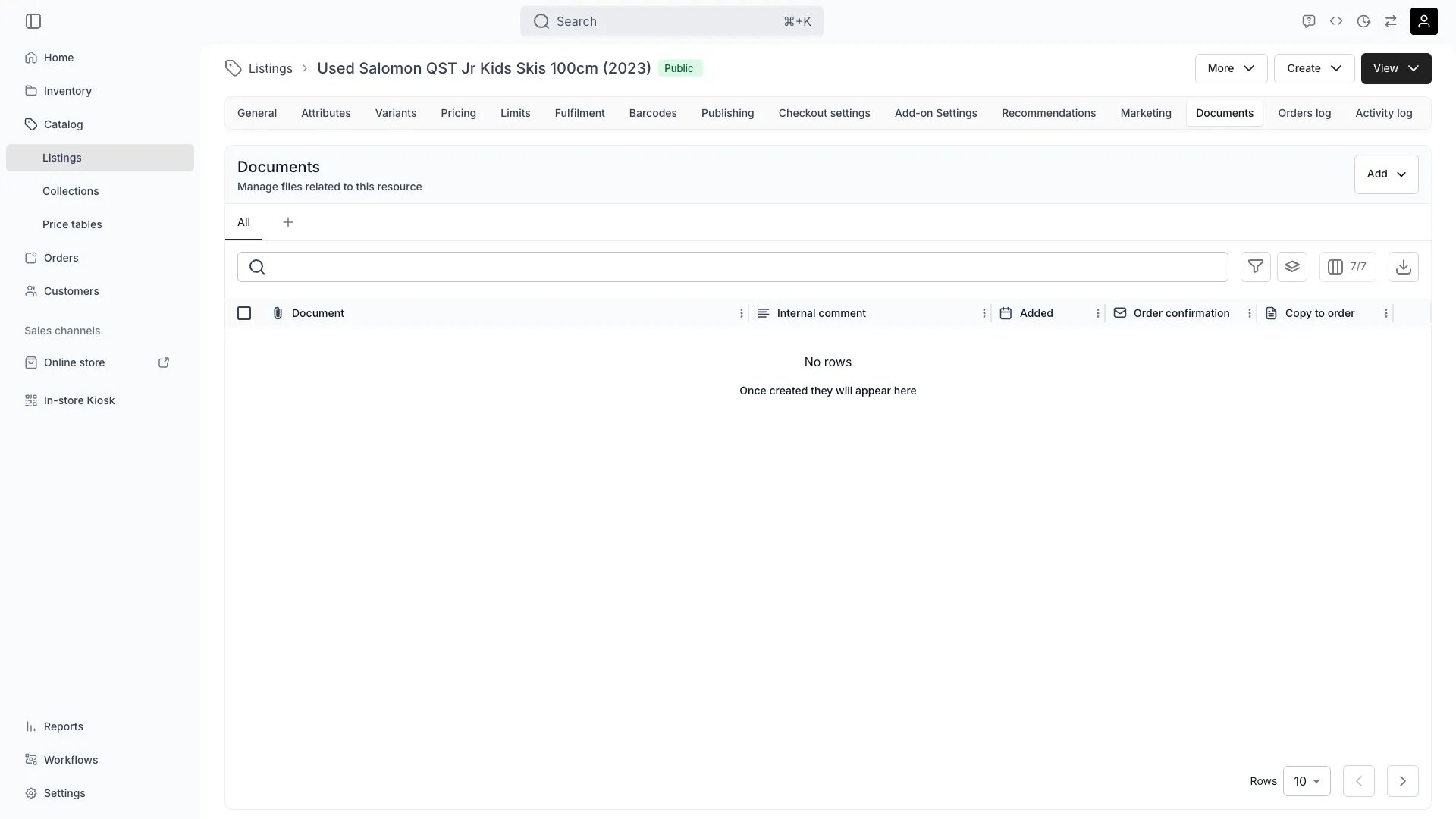
# Documents
> Each listing can include documents that support sales, operations, and customer communication.
Each listing can include documents that support **sales, operations, and customer communication**.
## **Internal and external documents**
Documents can be either **internal** or **external**, depending on who they are meant for.
### **Internal documents**
Used by staff for internal purposes such as store setup, sales instructions, or technical specifications.
These files remain visible only to employees and are not shared with customers.
* Example: *Sales briefing sheet, technical data sheet, retail setup guide.*
### **External documents**
Shared automatically with customers when included in online listings, order confirmations, or delivery communications.
These files help customers understand how to use or care for the product.
* Example: *User manual, warranty information, rental instructions.*
## **Managing documents**
Documents and files can be uploaded directly from your device or by scanning a QR code in the upload window.
This allows staff in-store or in the field to easily attach relevant documents such as updated user guides or photos.
To rename a file, open the row actions menu and select **Rename**. The file's storage location stays the same — only the display name changes.
 ## **Referencing documents in listings**
Uploaded files can be stored for internal use or referenced directly from listing attributes.
For example, an attribute named **Product Manual** might reference a file called user\_manual.pdf.
You can then:
* **Link it directly** within the listing (visible to customers if marked external), or
* **Manage it under Documents**, where it's stored and tracked centrally.
This dual reference model ensures that key documents stay accessible both operationally and contextually.
## **Common use cases**
* Attaching product sheets for B2B listings.
* Providing usage or care guides for rental products.
* Adding media assets or marketing PDFs for retail displays.
> Listing-level documents create transparency and consistency across sales channels — ensuring that every listing carries the right supporting information for both internal teams and customers.
## **Referencing documents in listings**
Uploaded files can be stored for internal use or referenced directly from listing attributes.
For example, an attribute named **Product Manual** might reference a file called user\_manual.pdf.
You can then:
* **Link it directly** within the listing (visible to customers if marked external), or
* **Manage it under Documents**, where it's stored and tracked centrally.
This dual reference model ensures that key documents stay accessible both operationally and contextually.
## **Common use cases**
* Attaching product sheets for B2B listings.
* Providing usage or care guides for rental products.
* Adding media assets or marketing PDFs for retail displays.
> Listing-level documents create transparency and consistency across sales channels — ensuring that every listing carries the right supporting information for both internal teams and customers.