> ## Documentation Index
> Fetch the complete documentation index at: https://www.twicecommerce.com/docs/llms.txt
> Use this file to discover all available pages before exploring further.
# Listing - Attributes
> Custom field values that describe the listing and feed into storefront filters and search
export const viewAccessDefinition = "Read-only access without ability to make changes.";
export const editAccessDefinition = "Update and read data, but cannot create or delete.";
export const manageAccessDefinition = "Create, update, read, and delete data.";
export const permissionsDefinition = "The actions you are authorized to perform.";
export const visibilityDefinition = "Which features, sections, or data tables are visible to you.";
export const userRoleDefinition = "What a user can see and do. Each user has one built-in system role — Owner, Admin, Manager, or Member — and can also be assigned any number of custom roles you create with specific permissions. Effective access is the combination of all their roles.";
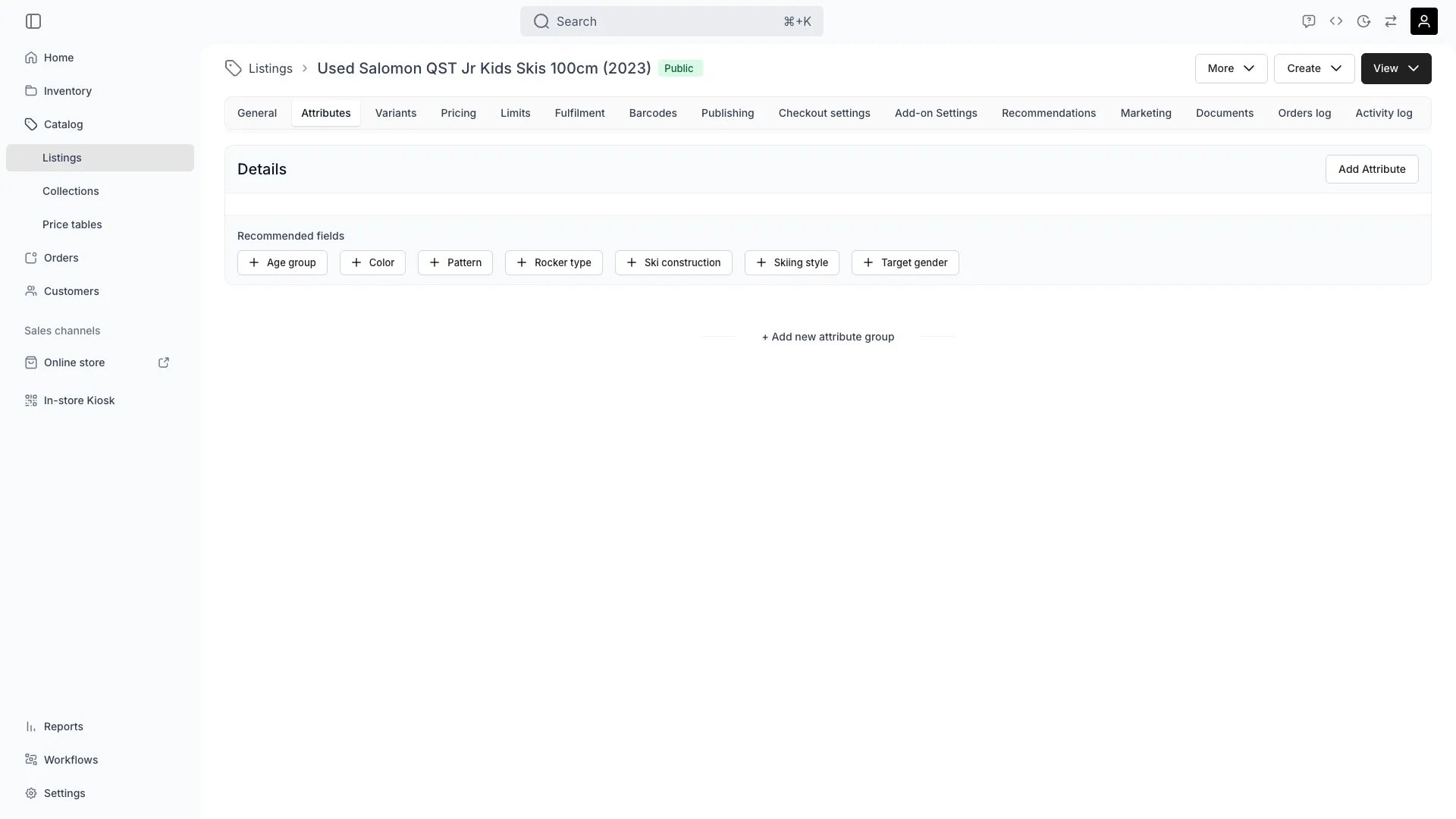 This view can look different dependent on your user role.
See [Visibility & Permissions](#visibility-and-permissions) for details.
## Primary Purpose
The Attributes tab stores custom field values for the listing. These values feed into storefront filters, search facets, and the listing's metadata, helping customers find the right product.
Attribute values defined here power filter widgets in the online store — colour, size, sport, season, age group, etc.
Values defined at the SKU level can be inherited automatically. Override at the listing level to customise the customer-facing presentation.
Attribute values are indexed for storefront search, helping customers locate listings by characteristics they care about.
## Related Concepts
Learn how attributes are defined in [Attributes](/docs/concepts/admin/attributes) and [Attribute Groups](/docs/concepts/admin/attribute-groups).
Combine attributes with [Marketing settings](/docs/catalog/listings/marketing) to optimise storefront discoverability.
## Visibility and Permissions
Access to this view is controlled by your user role.
| Feature | Admin | Manager | Member |
| --------------------- | ----- | ------- | ------ |
| View Attributes | ✓ | ✓ | ✓ |
| Edit Attribute Values | ✓ | ✓ | ✗ |
| Resource | Admin | Manager | Member |
| ---------------- | ------ | ------- | ------ |
| Attribute Values | Manage | Edit | View |