> ## Documentation Index
> Fetch the complete documentation index at: https://www.twicecommerce.com/docs/llms.txt
> Use this file to discover all available pages before exploring further.
# Collection - General
> Configure a collection's name, description, type, and basic settings
export const userRoleDefinition = "What a user can see and do. Each user has one built-in system role — Owner, Admin, Manager, or Member — and can also be assigned any number of custom roles you create with specific permissions. Effective access is the combination of all their roles.";
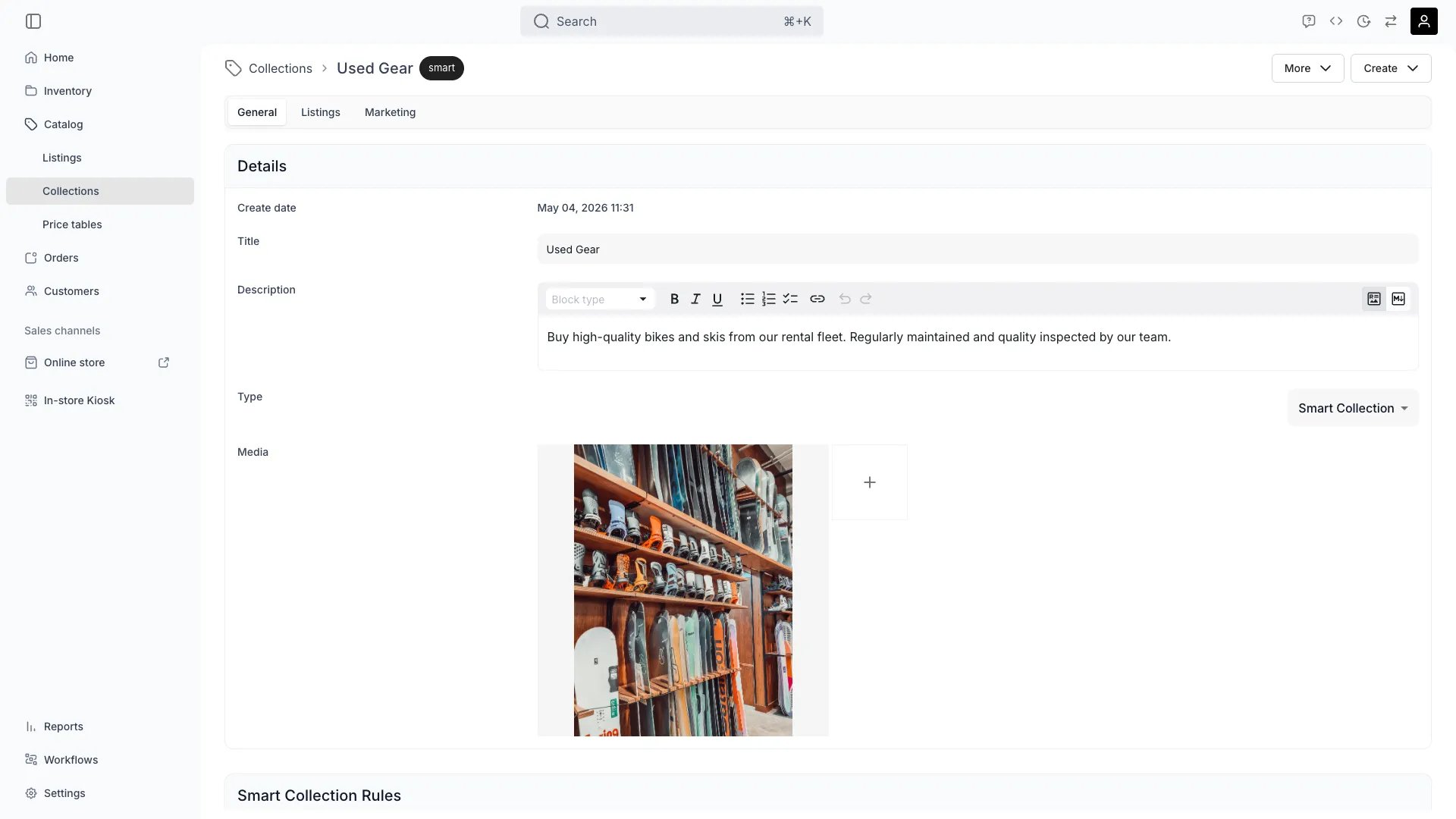 This view can look different dependent on your user role.
See [Visibility & Permissions](#visibility-and-permissions) for details.
## Primary Purpose
The General tab defines the core properties of a collection — its name, description, type (manual or smart), and visibility settings.
Set the customer-facing name and a description used in collection landing pages and meta tags.
Switch between manually curated membership and rule-based smart membership. Smart rules are configured in the Listings tab.
Control whether the collection is shown in storefront navigation or used only for internal organization.
## Visibility and Permissions
Access to this view is controlled by your user role.
| Feature | Admin | Manager | Member |
| ------------- | :---: | :-----: | :----: |
| View settings | ✓ | ✓ | ✓ |
| Edit settings | ✓ | ✓ | ✗ |